Best Route Planner for DoorDash Drivers Doing Stacked Orders
DoorDash stacks orders for you, but the order it hands you is built around its own delivery estimates, not your route. Here is how experienced Dashers plan stacked runs, and what to look for in a planner.
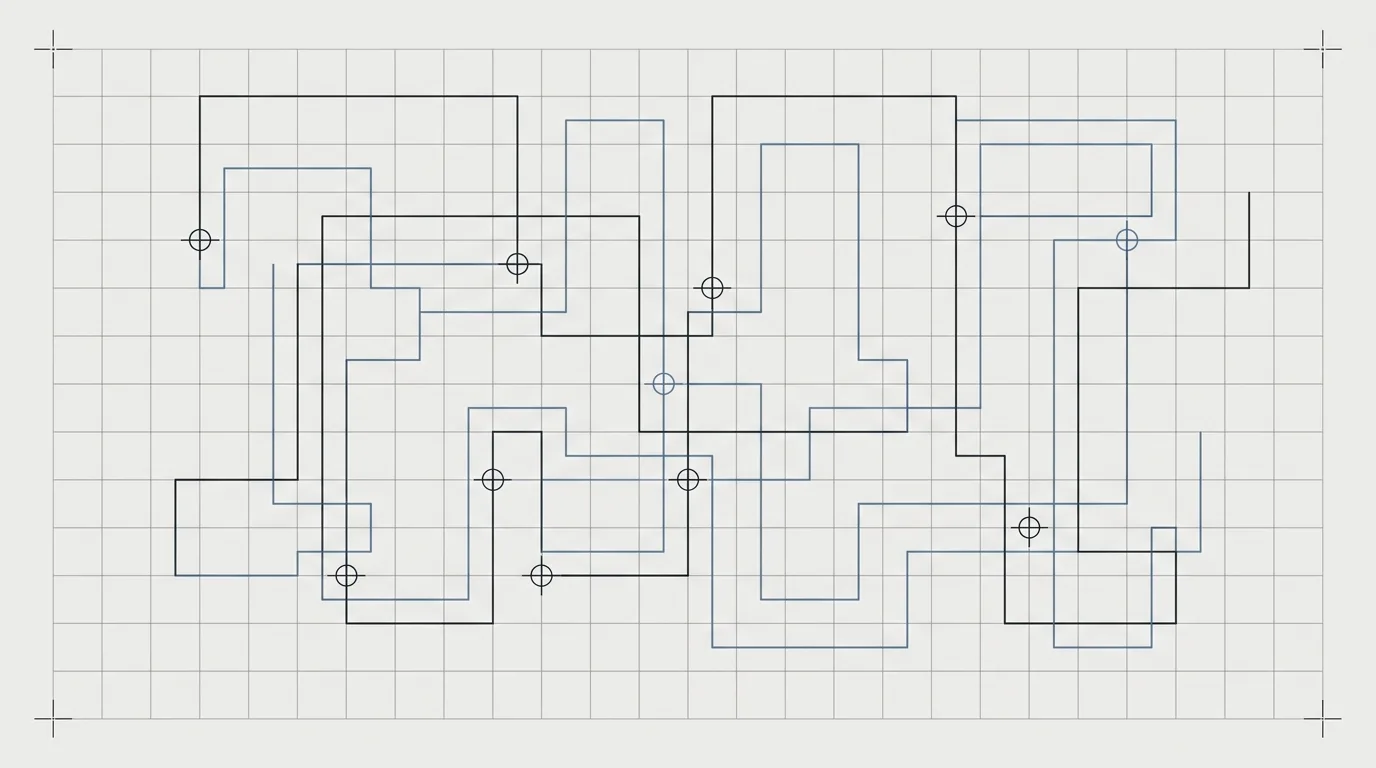
DoorDash decides when to stack you. You accept a double, sometimes a triple, and the app gives you an order to run them in. That order is built around DoorDash's delivery-time promises to the customer, not around the shortest drive for you.
Most of the time it is close enough. On a tight stack across a suburb you know, it is not, and you end up crossing back over ground you already covered while a customer's food goes cold.
Why the in-app order is not your best route
The Dasher app is solving a different problem to the one you have. It is protecting delivery estimates it already gave two customers. You are trying to finish the block, keep both orders warm, and get back to a good zone.
Those two goals overlap most of the time. They come apart when:
- The two drop-offs are in opposite directions from the pickup
- One customer is in an apartment complex that will cost you eight minutes on foot
- You know a road the routing does not account for at that hour
None of that is a flaw in DoorDash. It just is not what its routing is for.
What actually helps on a stacked run
Seeing both drops on one map before you commit. The most useful thing a planner does on a double is show you the shape of the run in one glance. If the second drop is behind you, you want to know that before you have collected the food, not after.
Time on site, not just drive time. A house drop and a fourth-floor apartment with no lift are not the same stop. If your planner treats every drop as instant, its time estimates will be wrong in the direction that costs you.
Working offline. Basements, car parks and older apartment blocks lose signal. A planner that needs a live connection to show you the next stop is a planner you cannot trust at the moment you need it.
Being faster than the problem. If it takes you longer to enter the addresses than to just drive it, you will stop using it by the end of the week. Anything that requires typing two full addresses at the kerb has already lost.
Where a planner is not worth it
Honestly: on a single order, it is not. DoorDash sends you to one address and navigation handles that fine.
The value starts at two stops and grows quickly from three. If you are running Flex blocks, catering orders, or stacking across several apps in one shift, the sequencing matters more than the navigation does.
Using RouteMate on a Dash
RouteMate is built for multi-stop runs rather than single deliveries, so the workflow is aimed at the stacked case:
- Add stops by photographing the label or pasting them in, rather than typing addresses at the kerb
- Set how long you actually spend at each type of drop, so arrival times reflect apartments and gated complexes
- Optimise the whole run at once, over real road distances
For the sizes a Dasher deals with, the sequencing is effectively instant. We measured 40 stops ordered in 138 milliseconds against production, and a stacked double or triple is a fraction of that.
The honest limitation: RouteMate does not connect to DoorDash. No third-party planner does, because DoorDash does not offer that. You are moving the stops across yourself, which is why the scanner and paste-in matter more than any other feature.
The short version
DoorDash's order is fine on a single and usually fine on a double. It is the triples, the catering orders and the multi-app shifts where the sequence starts costing you real time. That is the point at which a planner earns its place, and the one to pick is whichever one you can load in under a minute at the kerb.